
Ressolve Steps
Total production time: 3 months
A solo developed game, published on the Steam platform for free. All of the assets used in this game were created by me.
2
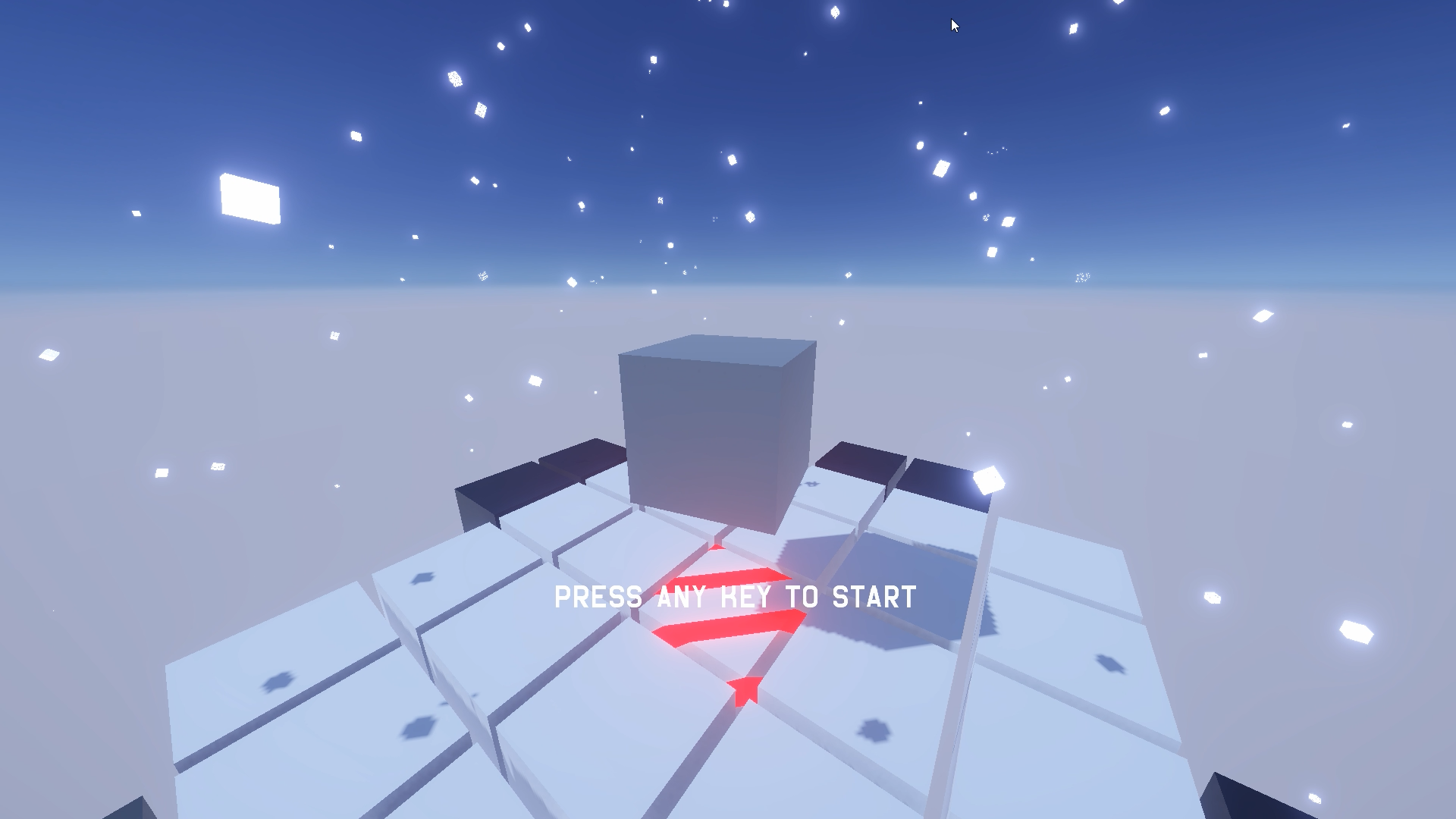
Production Objective:
To understand the general workflow of game production, and to gain knowledge not only in concept art, which is my specialty, but also in programming, effect design, and motion design from various perspectives. This will enable me to understand and smoothly advance projects with colleagues from different fields upon joining the company.
And because I focused on the objective solely, which is to know the development flow and the 3-month deadline, the quality of this game did not meet my standards; however, I believe I got lots of growth from this project.
Work Flow
1
Brainstorming Ideas and Concepts
Thinking about Core Mechanics and Experience:
What do we want users to experience by playing our game?
What do we want to convey through the game?
Concept Sketch
Visualize ideas and concepts.
What’s the completed game look like?
What is the worldview?
3
Creating Core Mechanics
Start assembling the framework in the game engine and build the foundation of the game, with only core mechanics. (Prefab making, core scripting, etc.)
4
Motion
Adjust the movement of structures associated with character movements and player actions.
5
UI / UX ・ Menu
6
Audio ・ VFX
Adding convincing VFX and sound that accompany the phenomena and textures to the components.
7
Shipping to the market
Brainstorming Ideas and Concept Sketch
Create in 3 months
Simple / Minimalistic
Modern
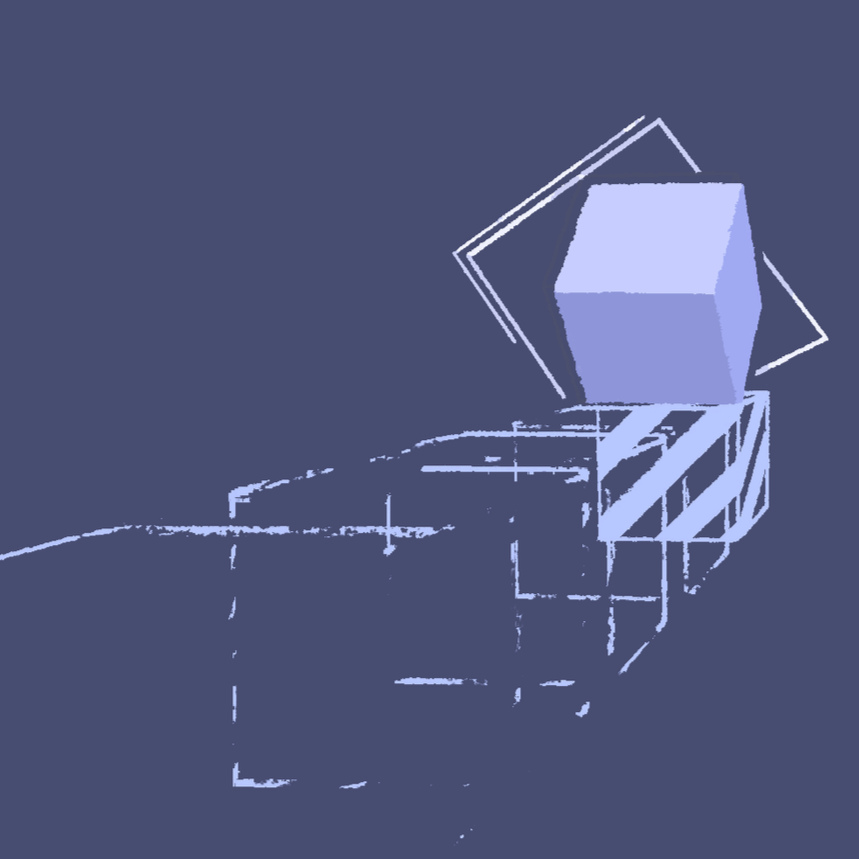
Puzzle game, but enjoyable and satisfying just by pressing buttons
Action and Thrill
1, 2
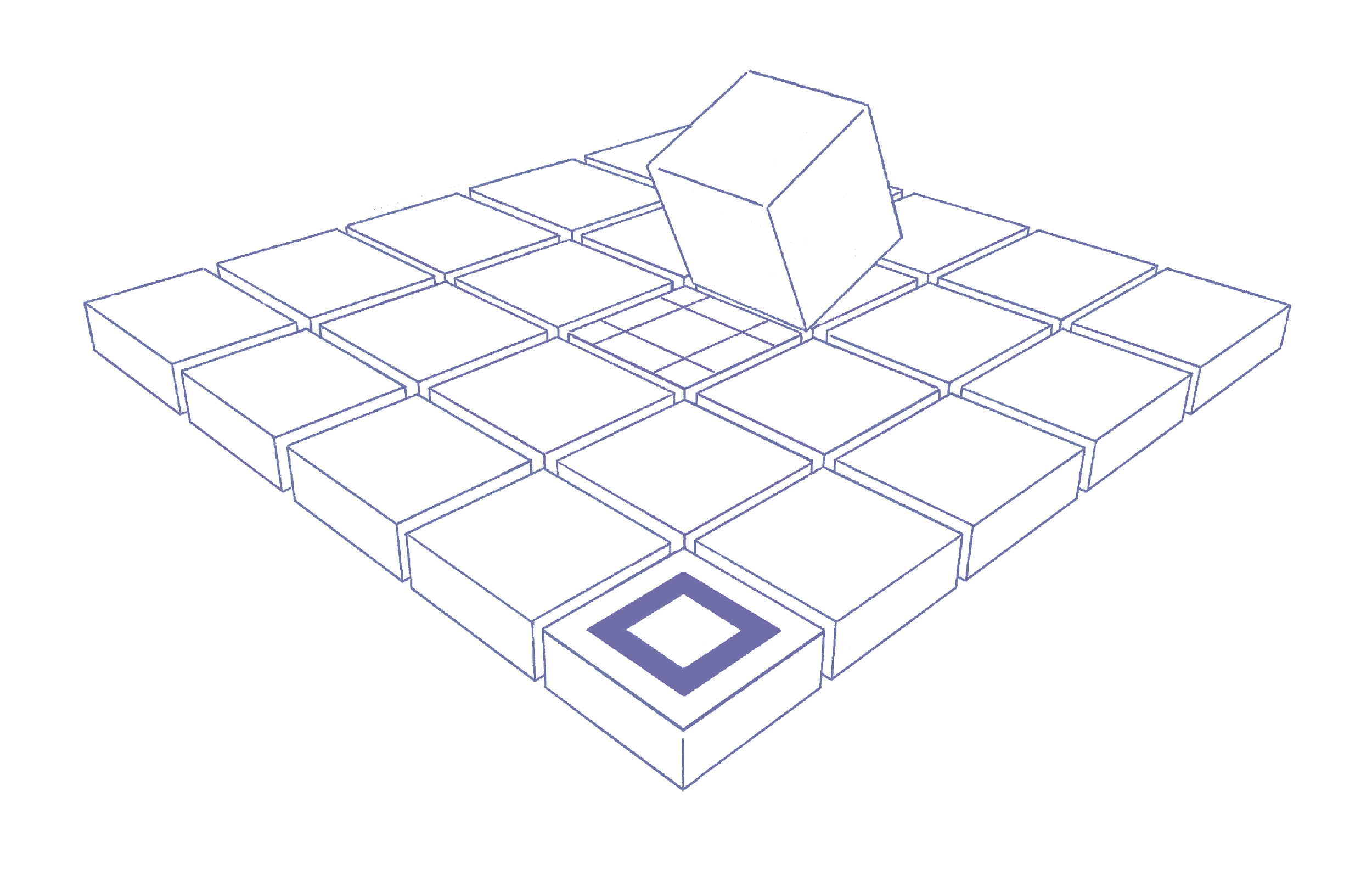
= A 3D puzzle game with ASMR-like elements where platforms disappear as you step on them.
Step on all the checkpoints within the map to unlock and reach the goal.
Creating Core Mechanics and Motion
Scripting:
Player controller
Camera controller
Grid System
Tile Dissolve
Check Point
Game Manager
Ghost Object
Player Motion
Prefab:
Player Character
Tile
Ghost Object
Check Point Tile
Goal Tile
3, 4

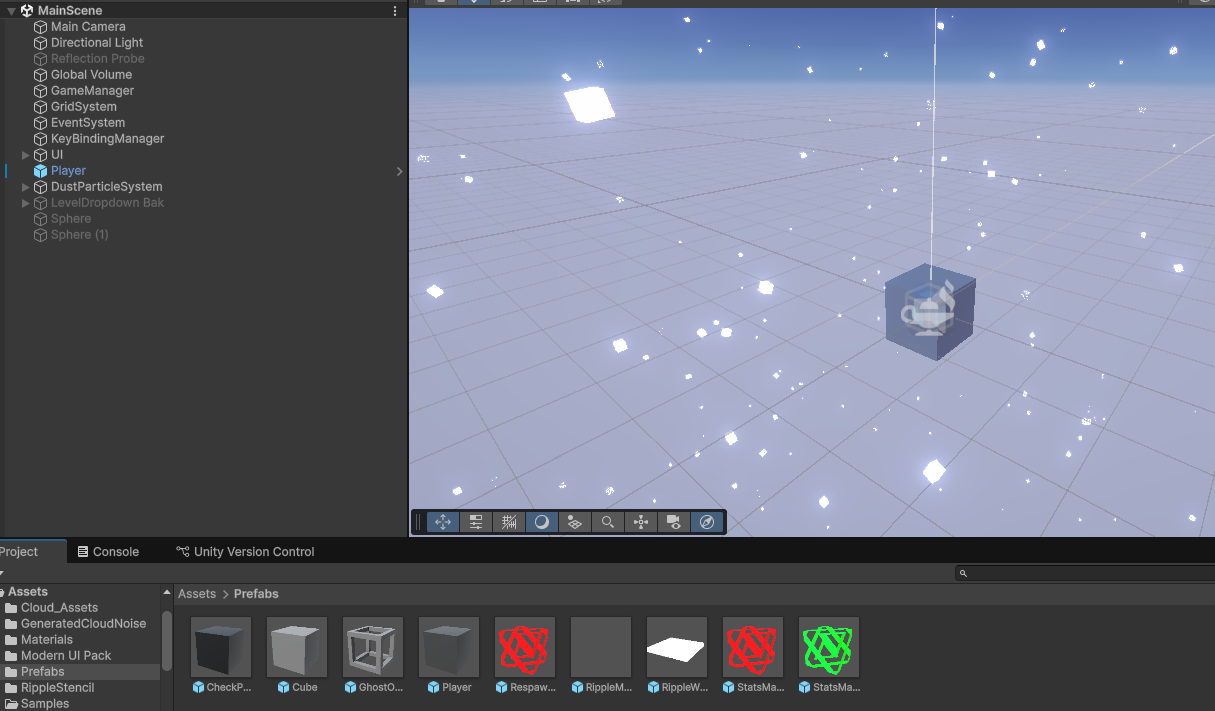
Since the player is a box and its movement is simple, like rolling dice, I decided to control the movement with scripts rather than creating motion with rigs this time.
UI / UX Design
Create UI Objects:
Title Mode Select
Level Select
Settings
In-Game
Pause
Level Creation
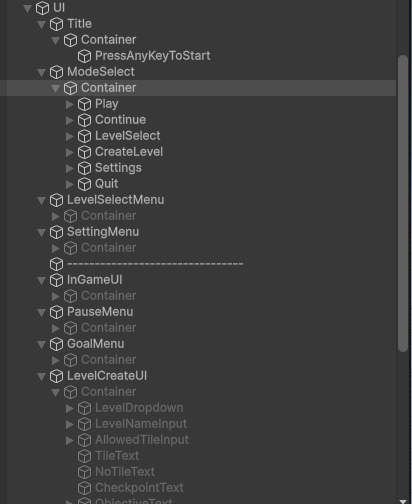
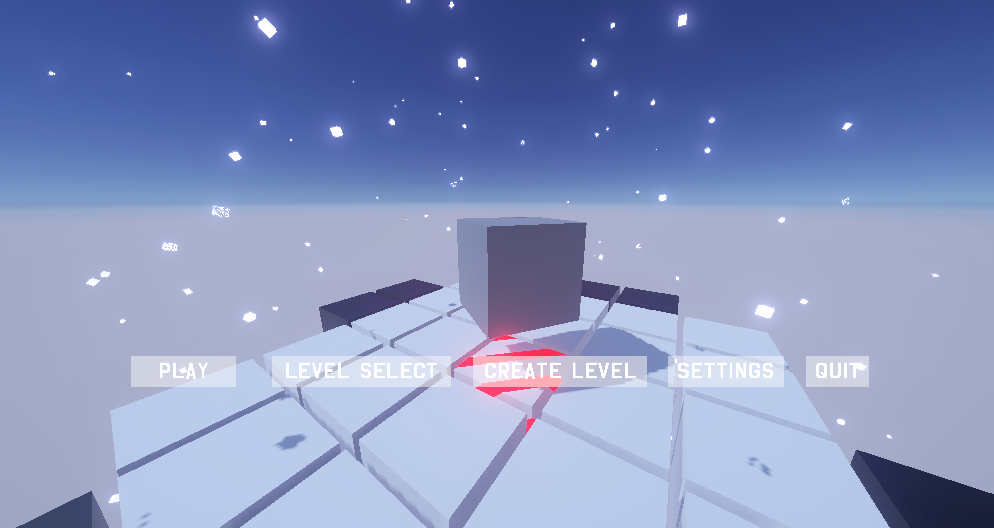
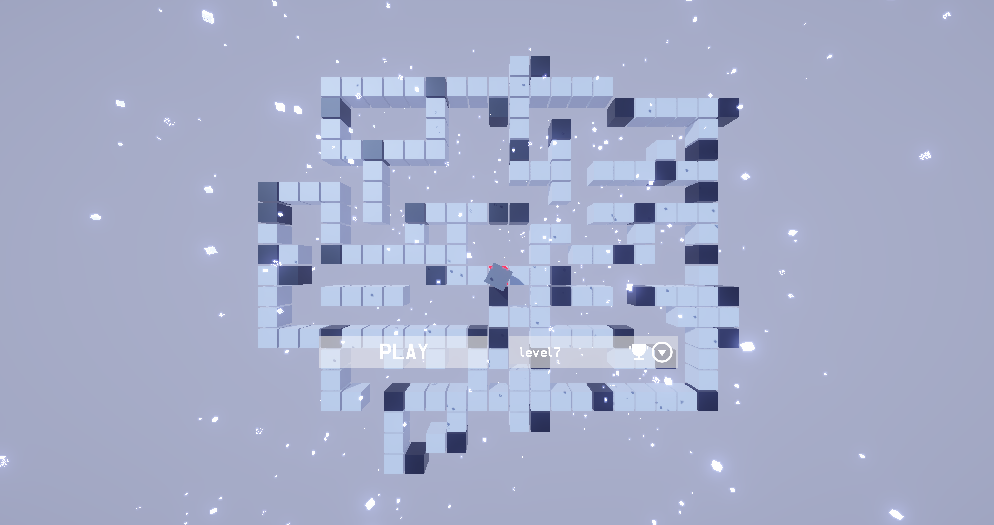
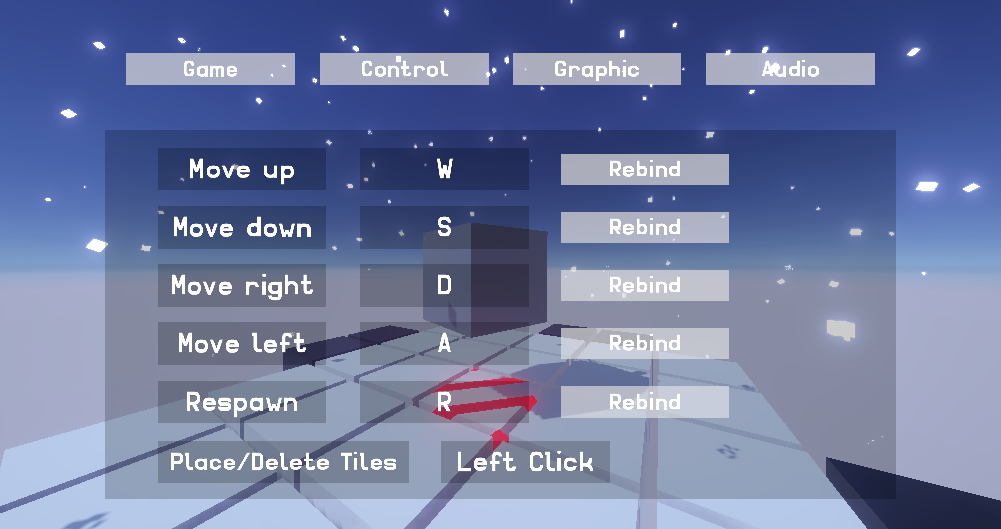
Creation of button functions associated with each UI, camera scripts, and game controllers (operation reception) customization associated with the UI and game situation. And wiring them accordingly.
3, 4
Visual Effect ・Material
Visual Effects with Graph:
Check Point Ripple
Goal Locked / Unlocked
Respawn
Foot Step
Atomosphere
Material:
Goal
Check Point
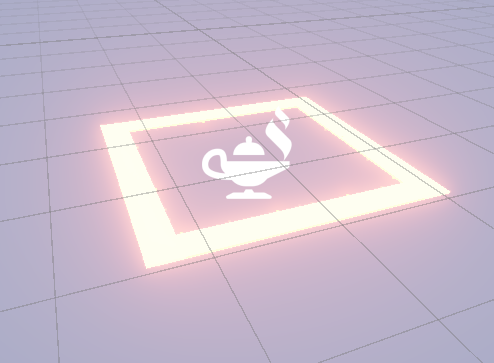
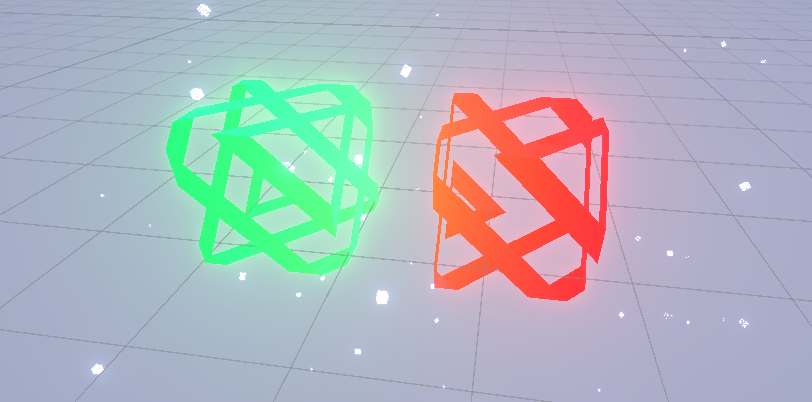
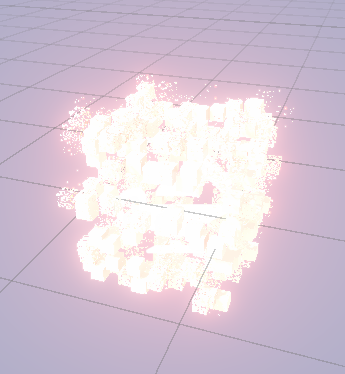
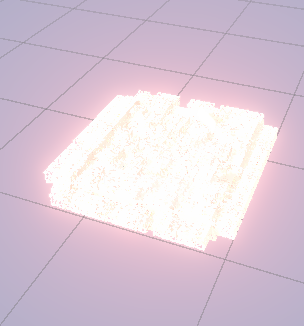
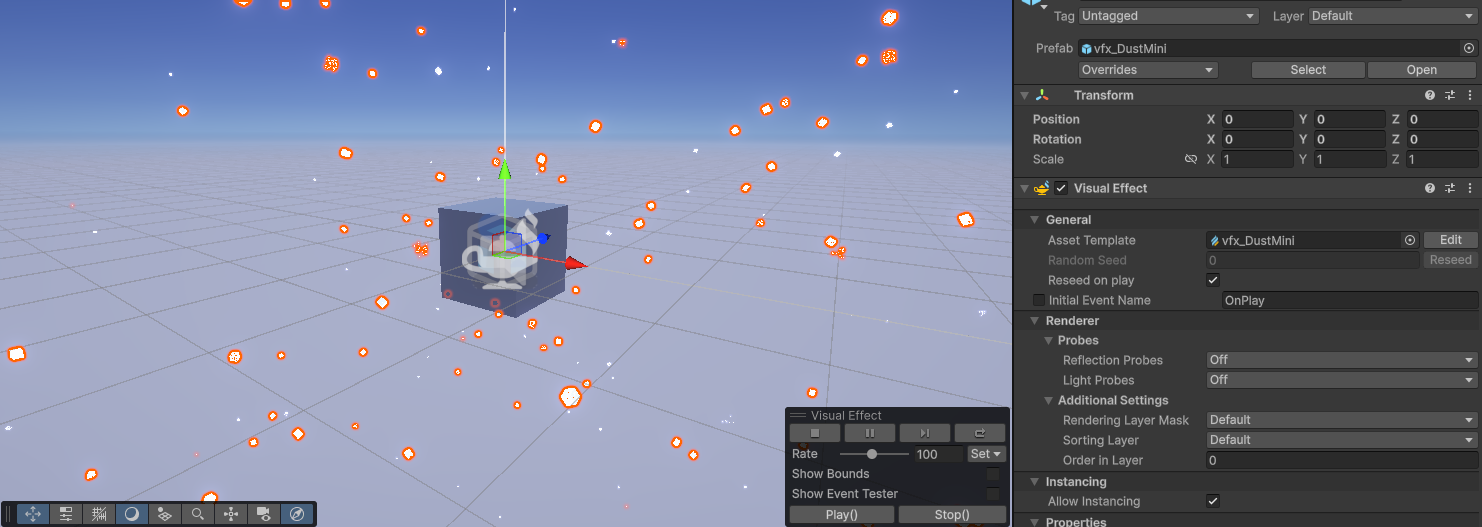
5, 6
Shipping to Steam
Store Assets:
Logo
Installation package
Library asset
Listing fee
Approval From Valve
Store page setup
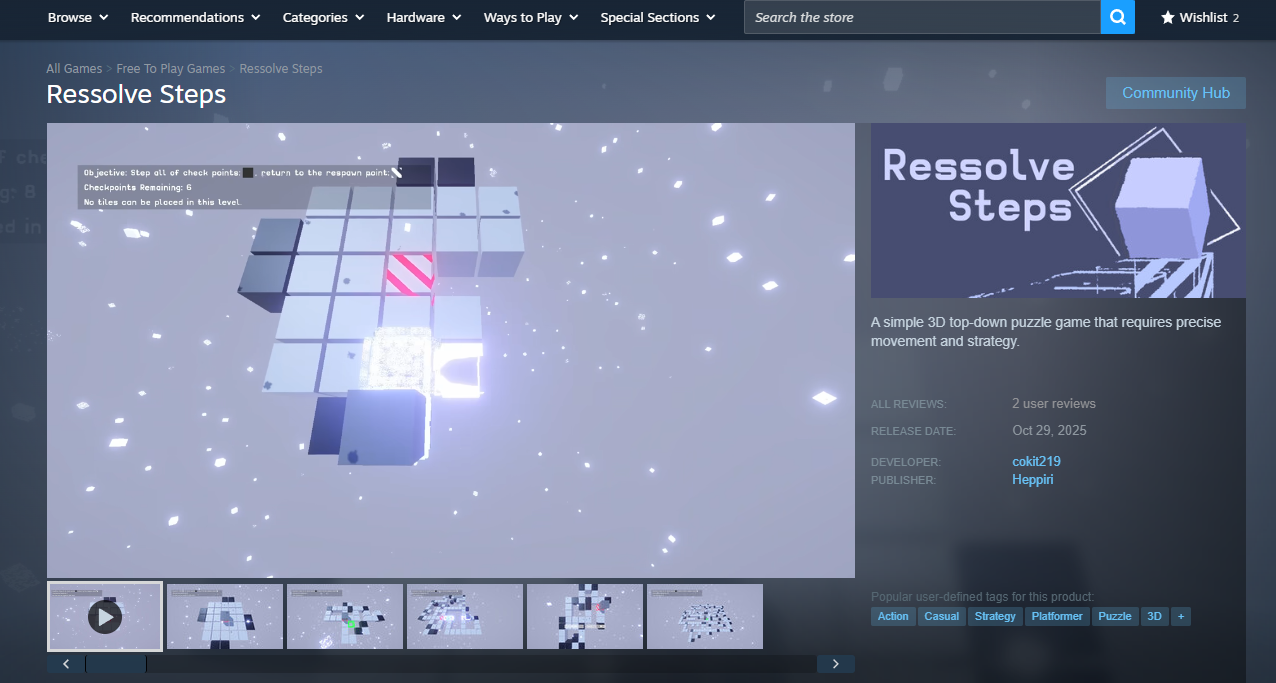
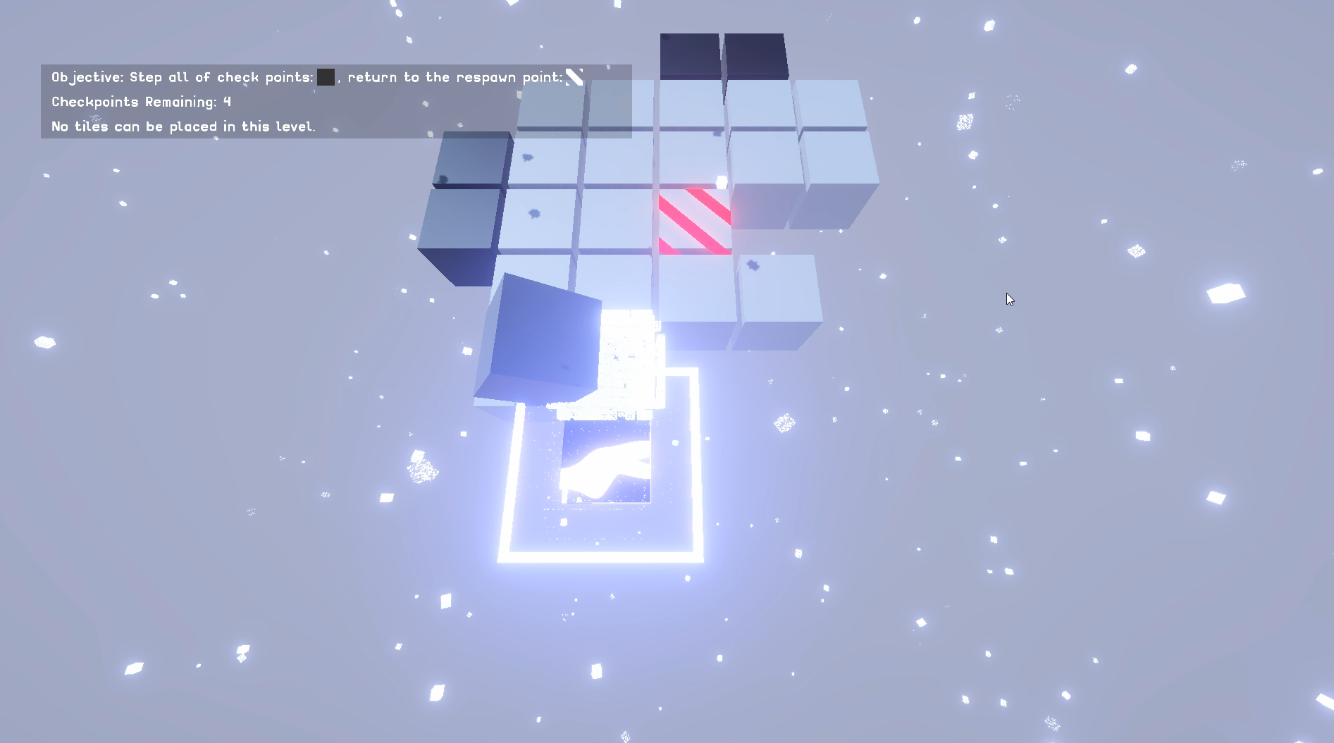
7